How to Submit Your Book to eBookFairs
This guide provides a step-by-step process on how to submit your book to eBookFairs. By following these instructions, you can effectively showcase your book at this fair and potentially reach a wider audience.
Customer Support | 7 steps | 59 Seconds
Click "Fair Finder" on your homepage or
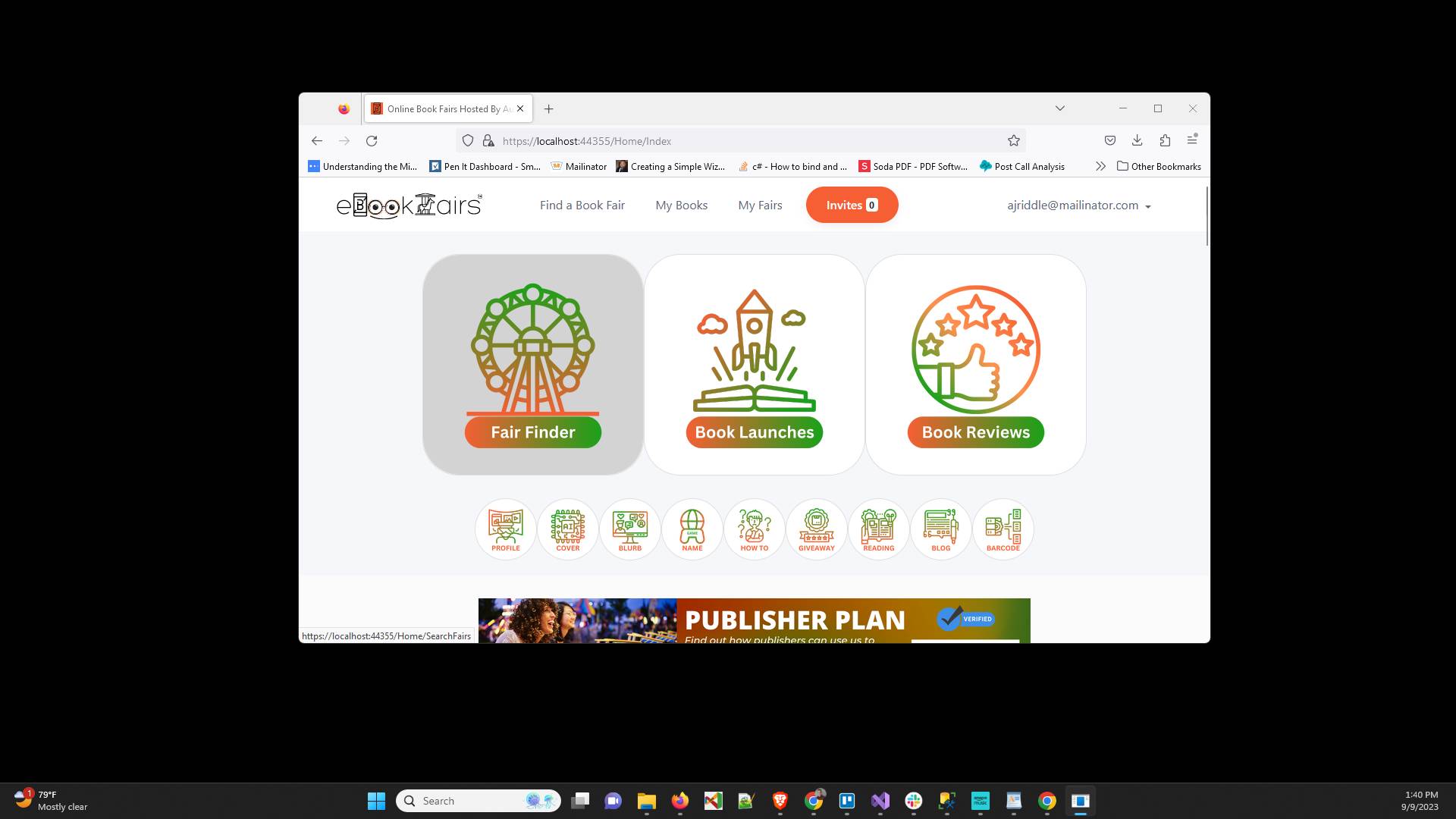
Click "Find a Book Fair" on the top menu
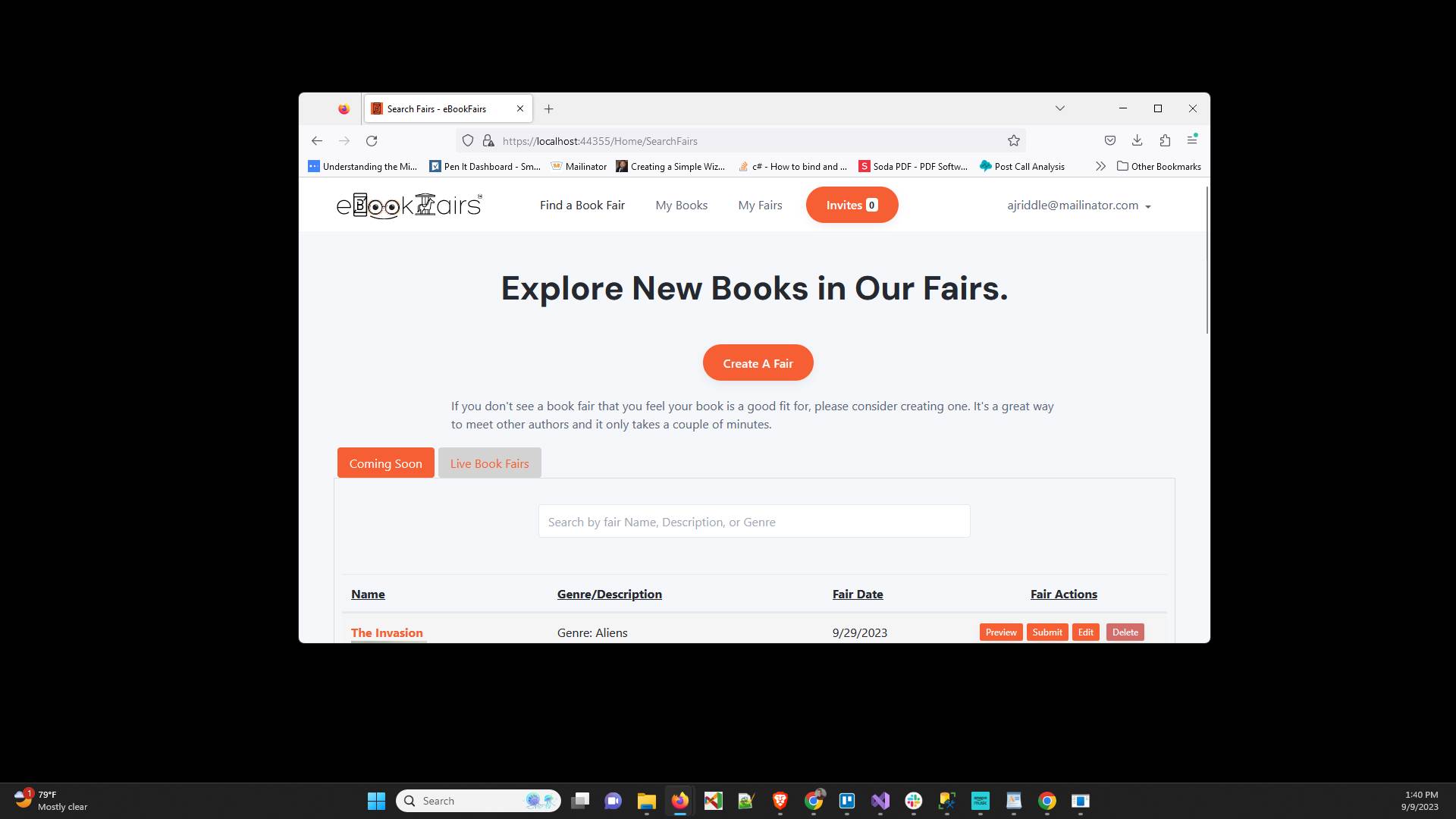
Click on the "Coming Soon" tab
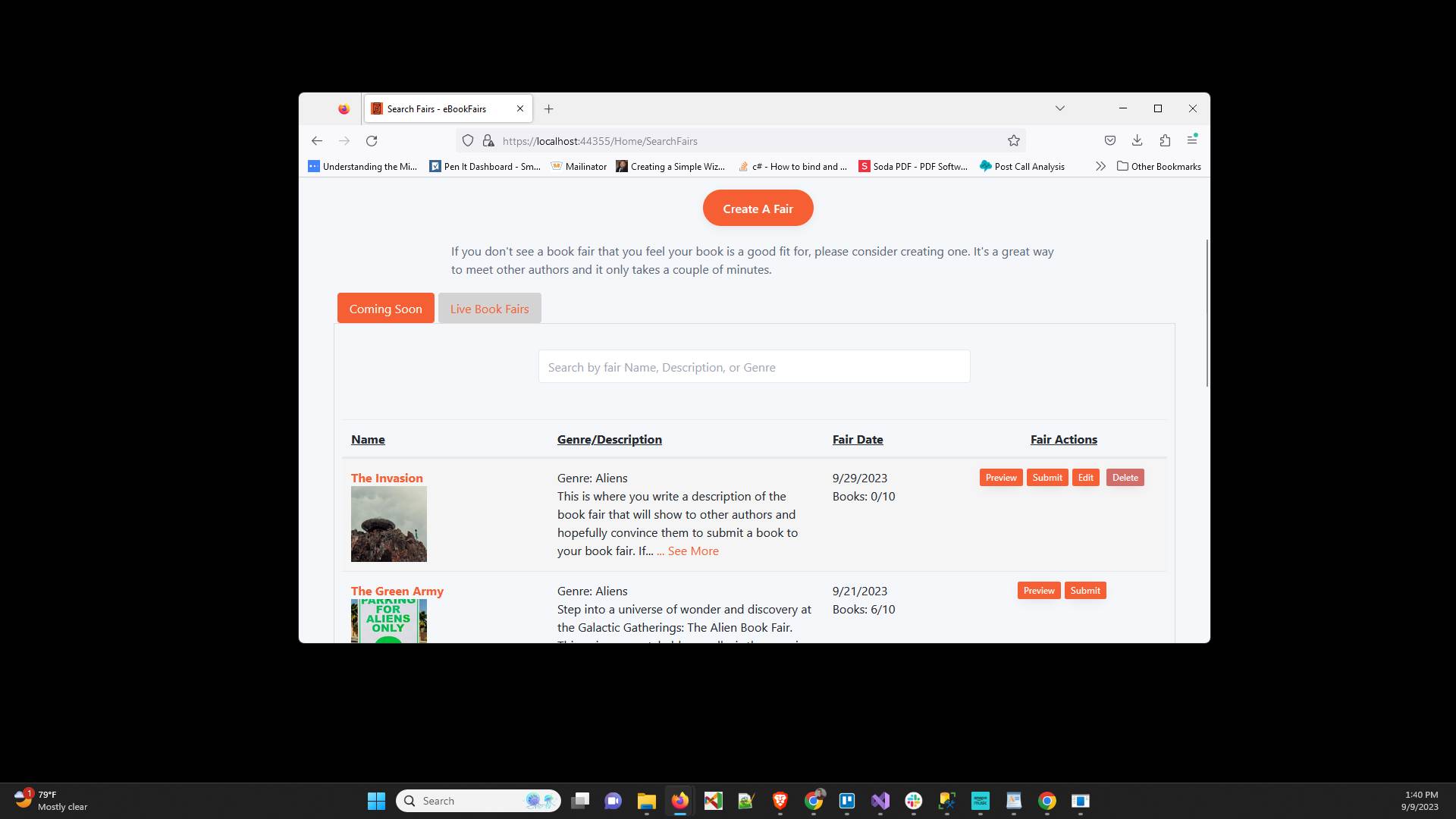
Look through the book fairs and click "Submit" on the one you would like to submit to
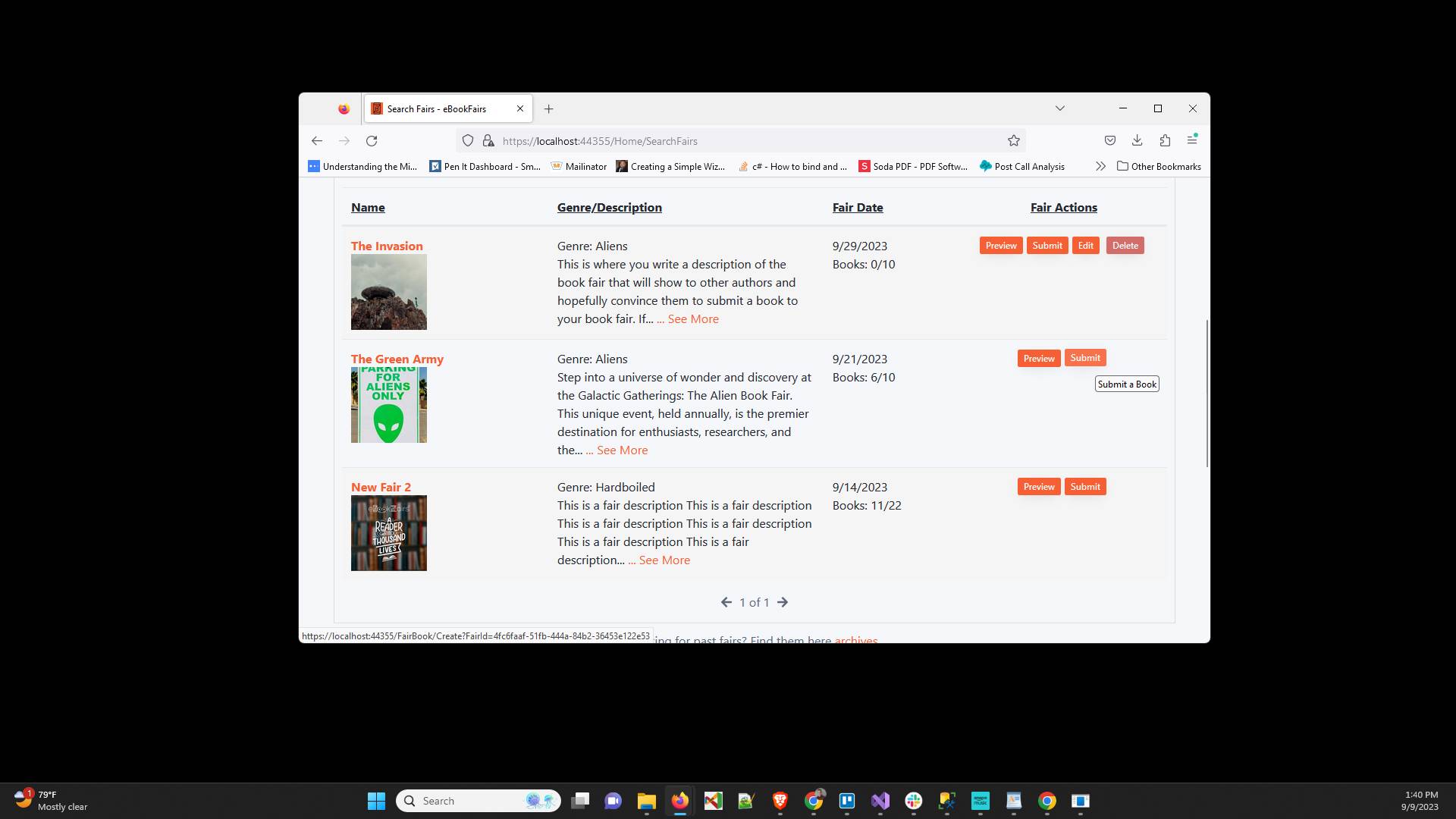
Choose which of your books you want to submit from the dropdown
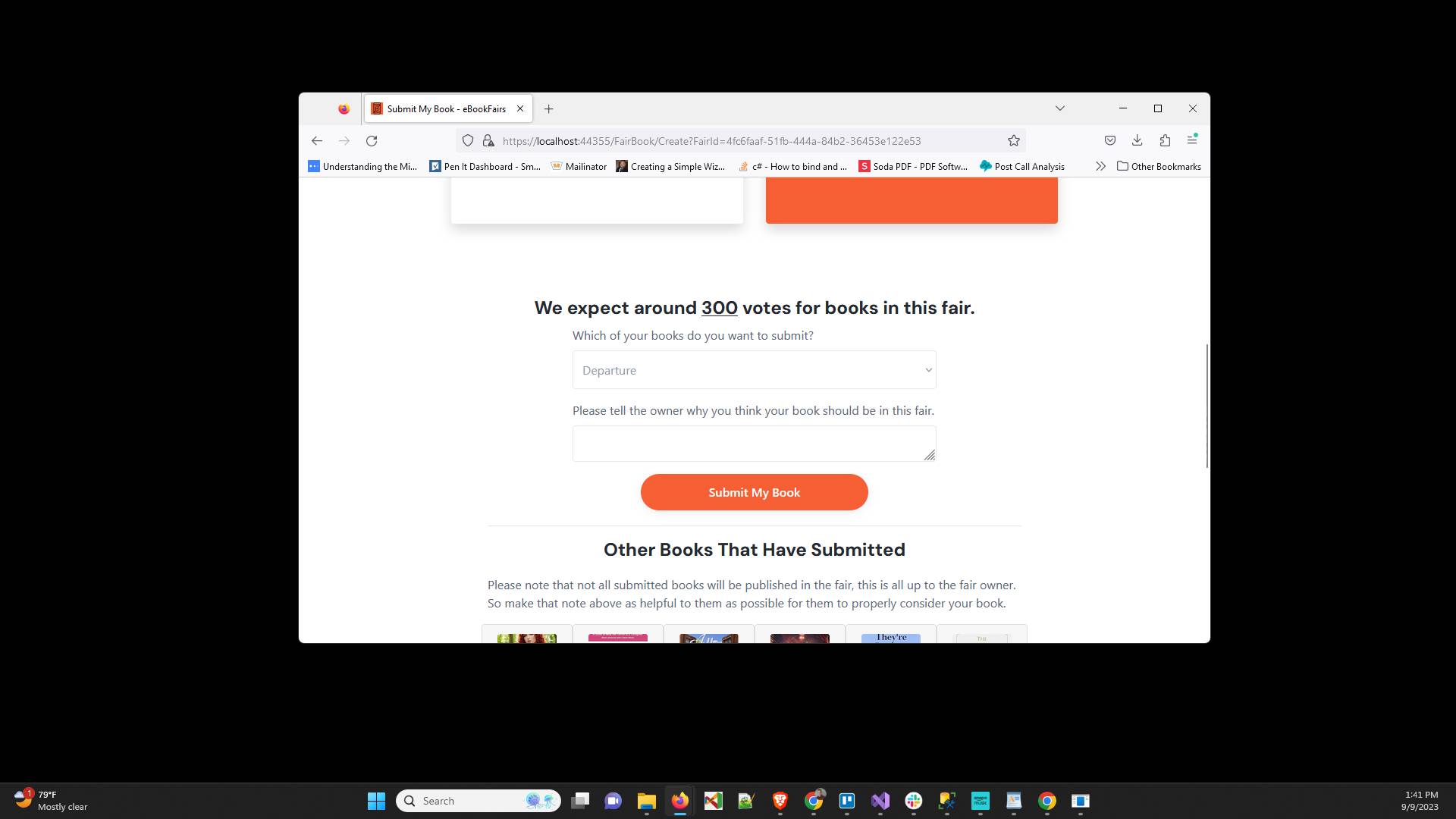
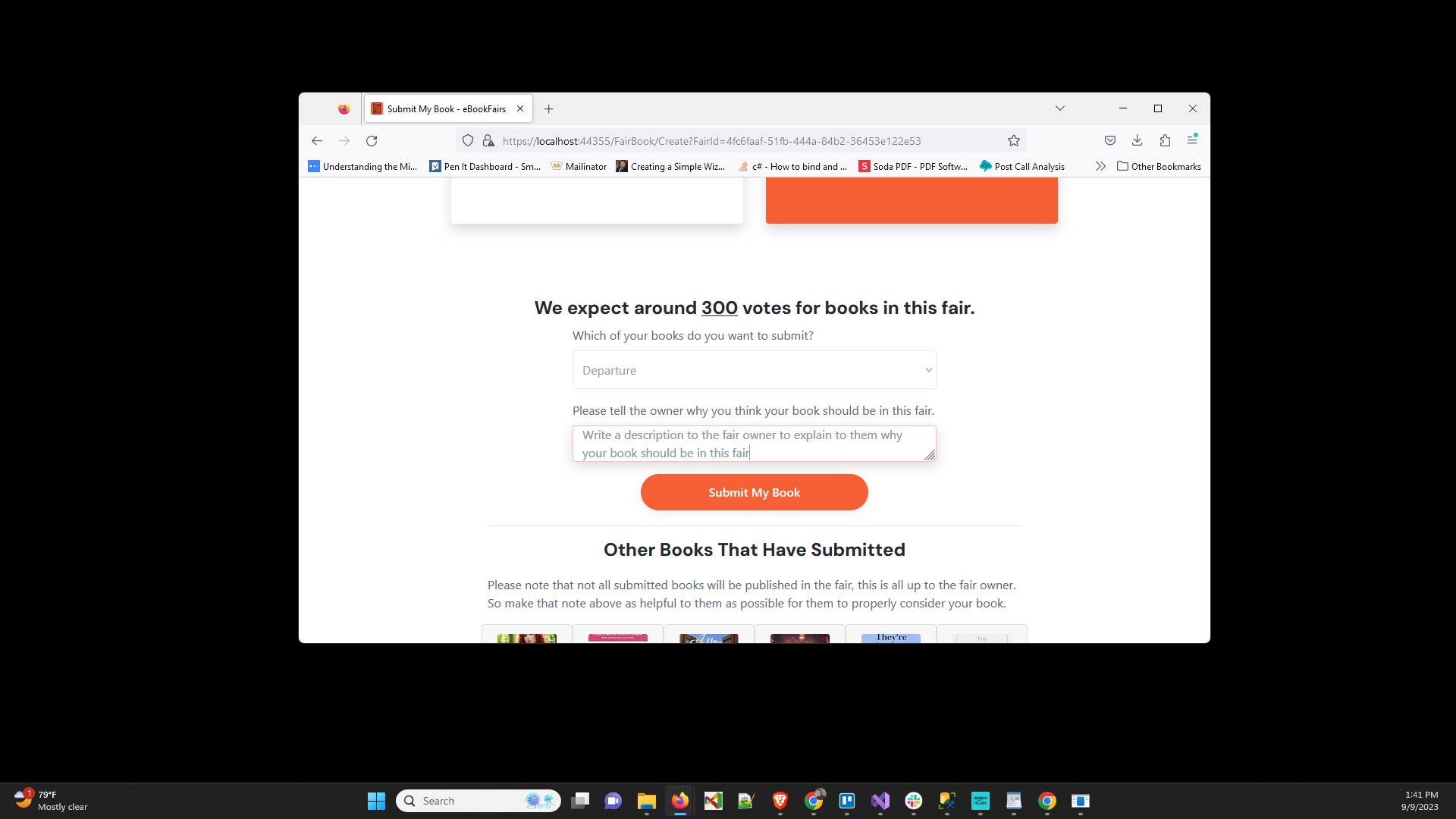
Type up a description of why the fair owner should accept your book into this book fair
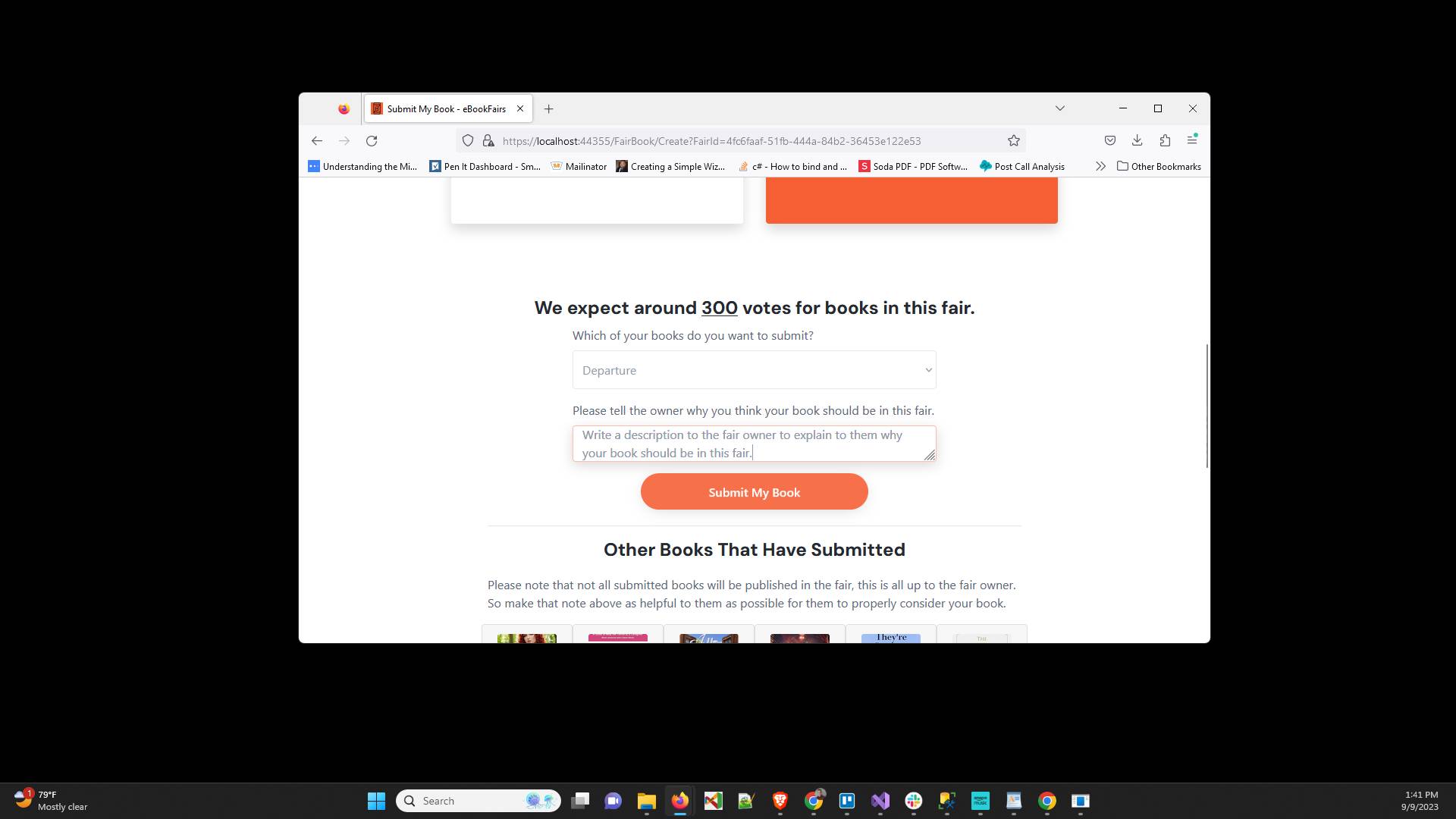
Click "Submit My Book" and then you wait for the fair owner to accept or reject your book
Have ideas or feedback?
Add a comment to ask questions, clarify steps, or suggest improvements (compliments welcome, too!).